
This repository contains a demo project for the ThermoForge Plugin, an Unreal Engine plugin for thermal simulation.
The plugin provides:
- Thermal imaging visuals
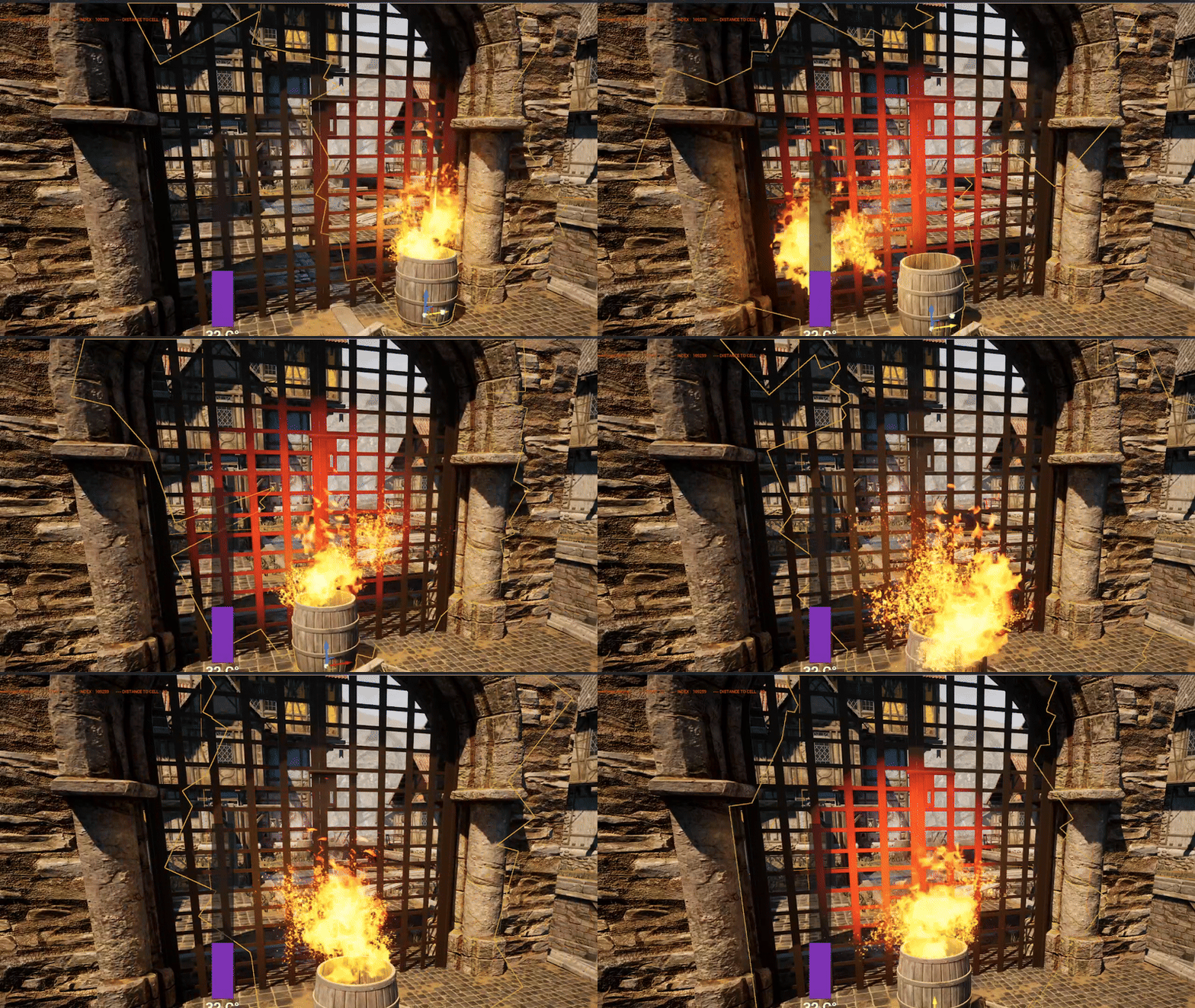
- Real-time heat propagation and penetration effects
- Seasonal and diurnal temperature variations
- Thermal node interactions and dynamic heat sources
- Material thermal properties (permeability, insulation)
- CPU optimization with a grid-based cell system
- Multi-threaded baking and heat tracing
- Per-instance toggles for fine-grained performance control
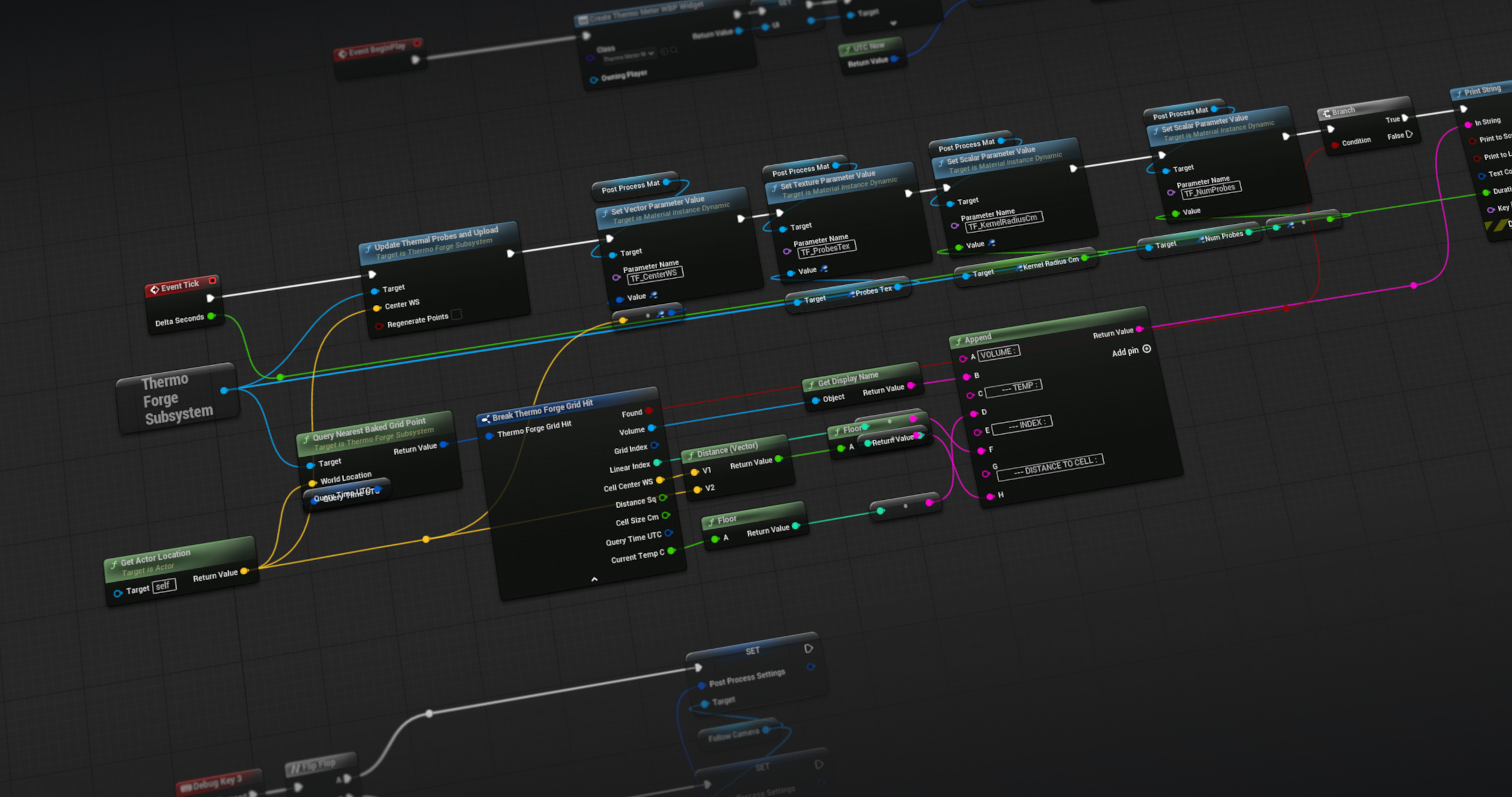
The demo project shows how to use the plugin in practice. All gameplay logic is contained in the default Third Person Character Blueprint.
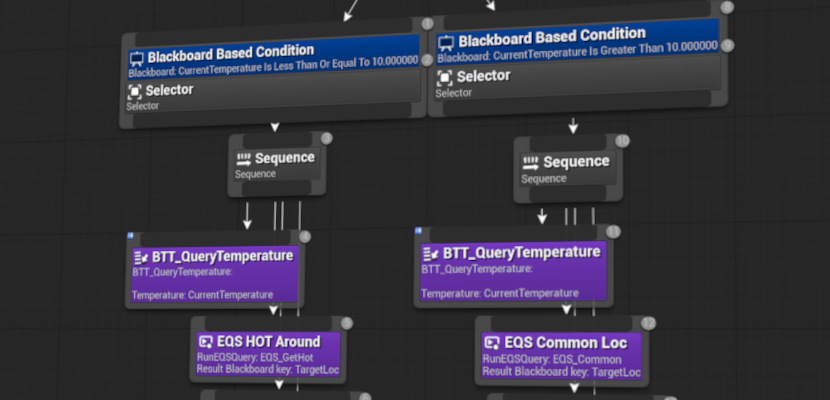
The demo level includes several thermal volumes, sources, and a simple AI that reacts to heat via perception and EQS.
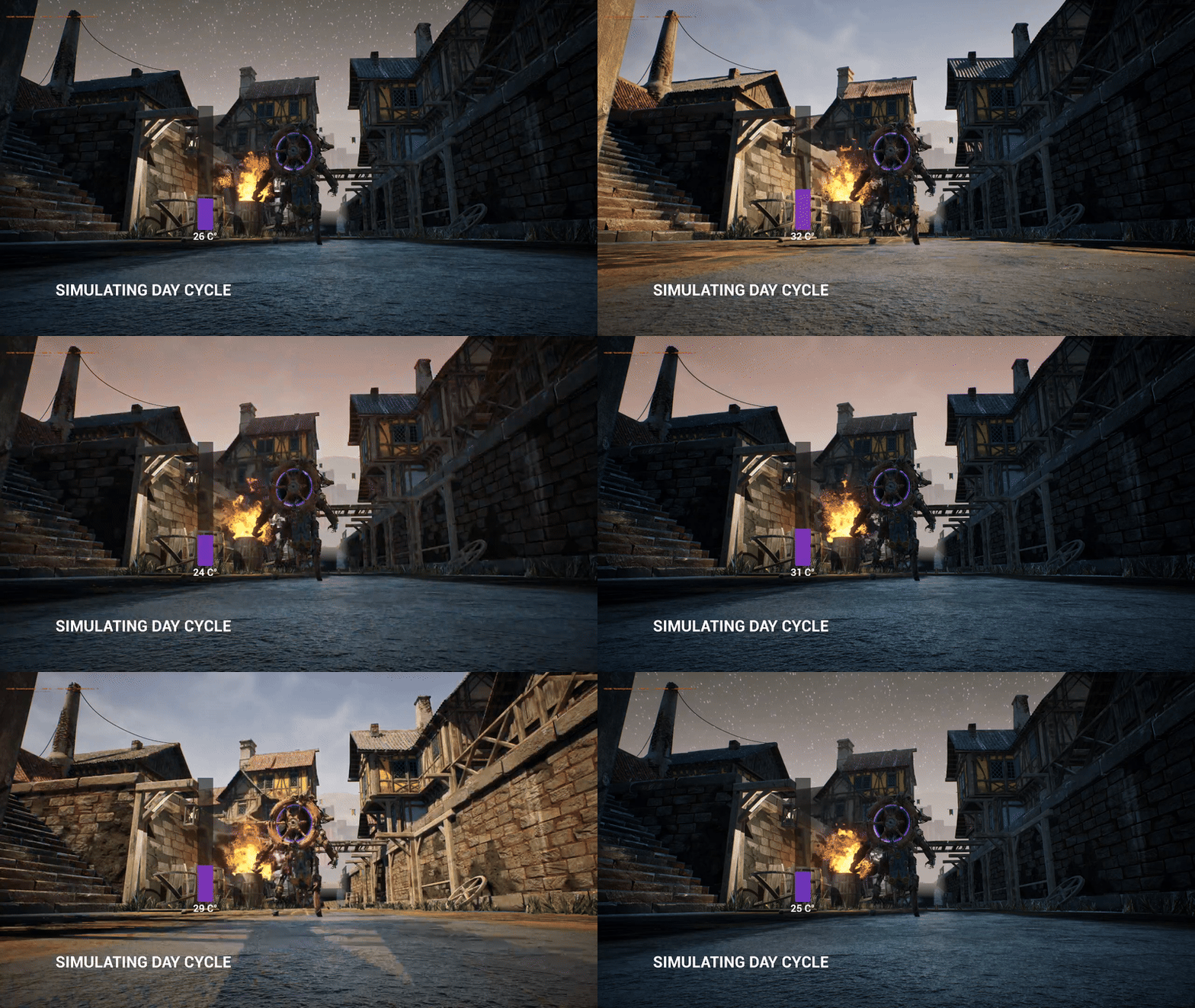
- Key 1 – Simulate Day cycle (diurnal temperature changes).
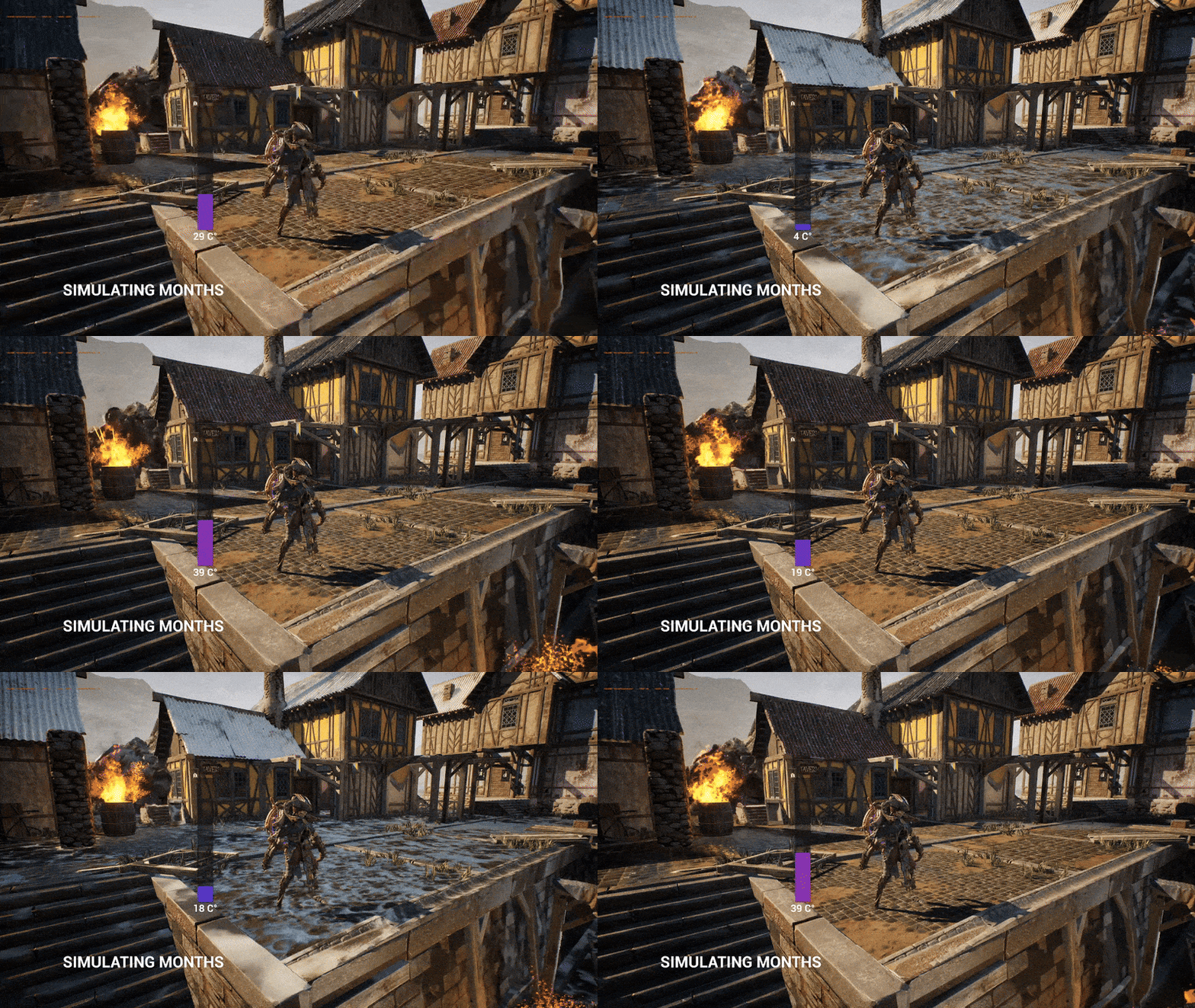
- Key 2 – Simulate Seasonal Months (winter/summer variation).
- Key 3 – Toggle Thermal Vision post-process view.
 |
 |
 |
- EQS queries to select positions based on hot/cold scoring.
- Simple AI logic that demonstrates how NPCs can perceive and react to thermal stimuli.
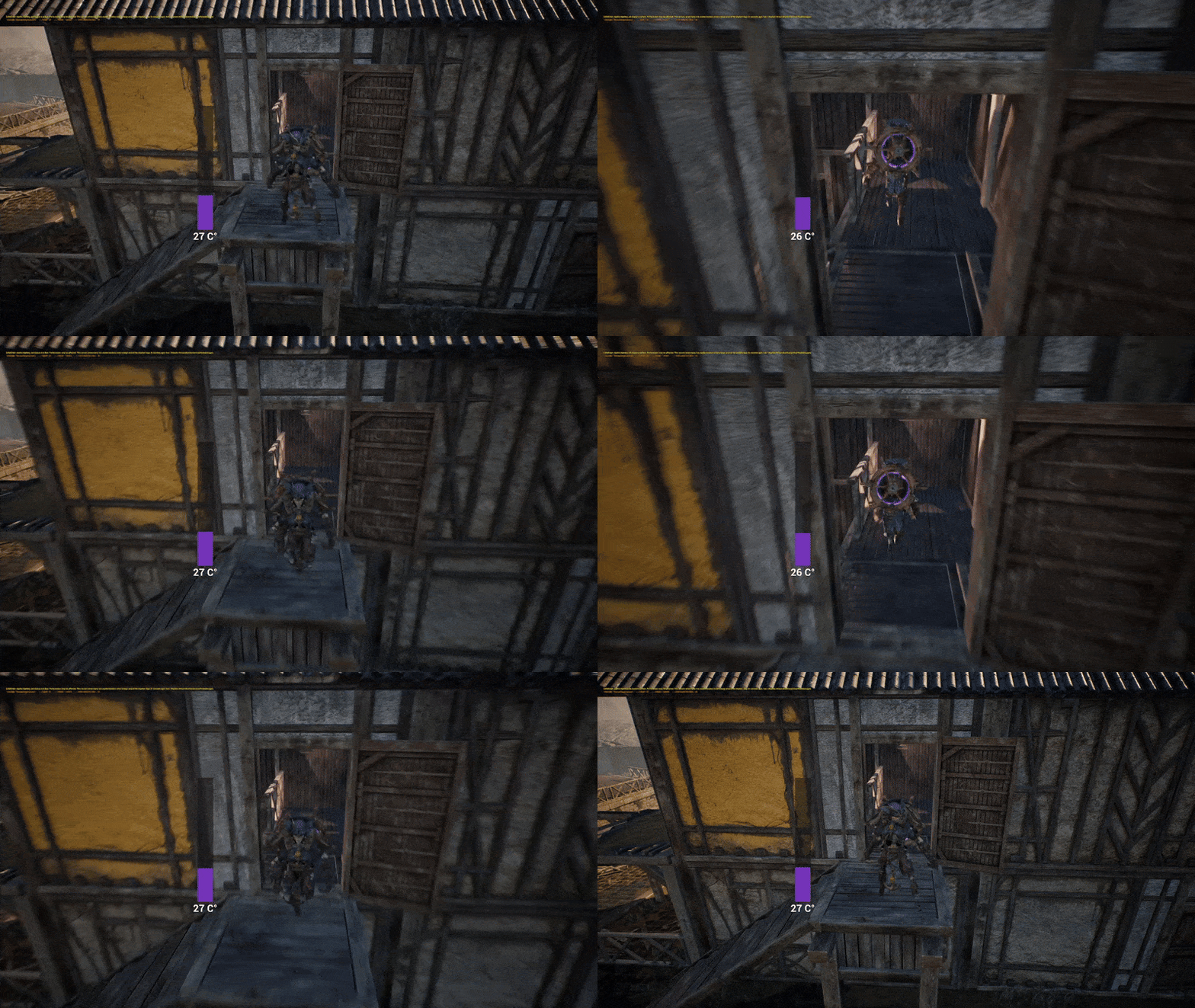
- Networking support to show that all thermal data can replicate in multiplayer sessions.
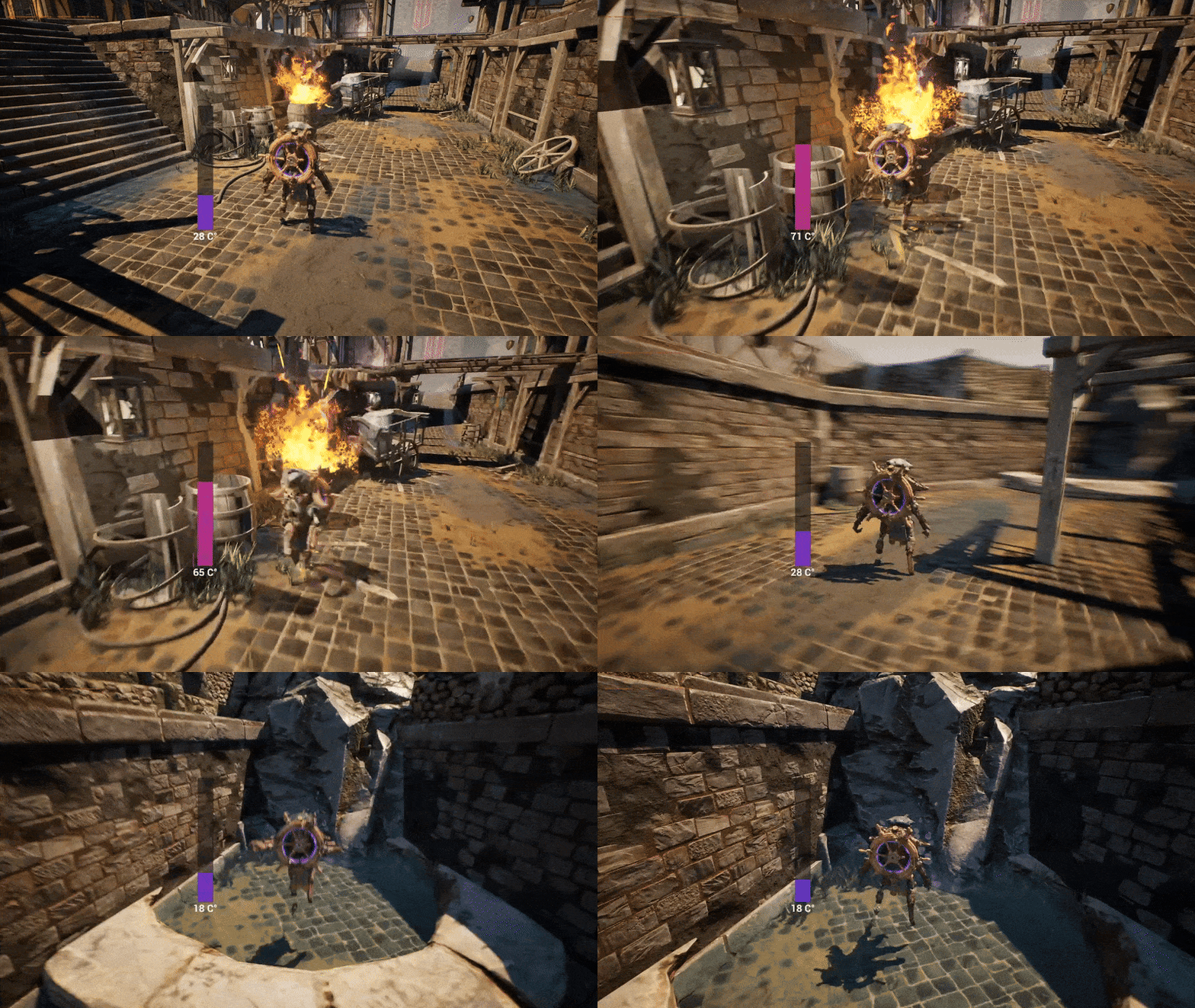
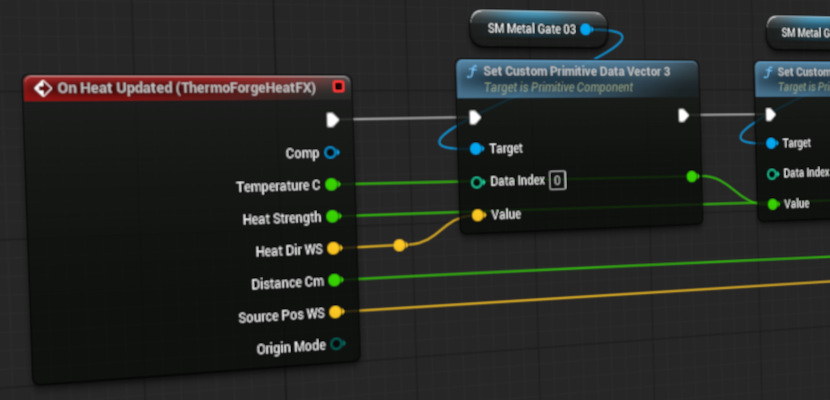
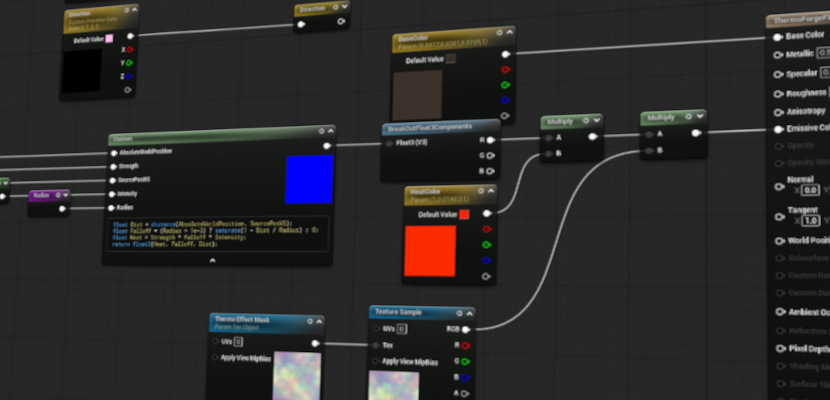
- Heat FX component writes values into Custom Primitive Data (CPD), allowing materials to react visually to temperature and direction of heat sources.
 |
 |
 |
The demo logic is implemented in the Third Person Character Blueprint, and the demo level includes heat sources and a test environment. You can edit the scripting logic to produce different thermal effects and measure plugin performance. Networking support is enabled to observe thermal behavior in multiplayer. You can add your own custom logic, sources, and materials in the demo level to explore the plugin's capabilities however demonstrated images post process materials, mesh materials and other aspects are available in the demo.
- Download this project and generate project files.
- Open your IDE and build the project.
- If you encounter a plugin error when building from the
.uproject, disable the plugin temporarily, build, then re-enable.
- If you encounter a plugin error when building from the
- Open the project in Unreal Editor and ensure the ThermoForge Plugin is enabled.
- Play-in-editor (PIE) and explore the demo level.
- Main logic is in BP_ThirdPersonCharacter.
- Demo level includes test widgets and networking examples.
 |
 |
 |
---/\
This demo is distributed under the MIT License.
You are free to use, modify, and distribute it, including in commercial projects, provided that the original copyright notice and disclaimers are included.
- Report bugs or crashes through the ThermoForge Plugin repository.
- Suggestions, feature requests, and questions can also be raised on the repository.
- Pull requests are welcome.
If you would like to support ongoing development:

