





💡 Modern, lightweight, and fully automated Neovim IDE setup for Termux.
Built for real-world coding — featuring CoC, LSP, Autocomplete, Syntax Highlight, Git, and custom Atexovi theme.
| Category | Description |
|---|---|
| 🧩 UI/UX | Custom Atexovi theme, Bubbly statusline, icons & optimized layout |
| ⚙️ Automation | install.sh handles dependencies, backup, and setup automatically |
| 📦 CoC Integration | Complete CoC ecosystem pre-installed |
| 💬 Autocomplete & IntelliSense | Context-aware suggestions for all major languages |
| 🎨 Syntax Highlight | Treesitter-based highlight for multi-language code |
| 🔍 LSP Ready | Works with Lua, JS/TS, Go, Rust, C/C++, Python, YAML, HTML, CSS, JSON, PHP, XML, Shell |
| 🧾 Lint & Format | ESLint, Prettier, Diagnostic, and auto-format support |
| 🧰 Snippets Engine | Built-in CoC-snippets support |
| 🧭 File Navigation | Fuzzy finder & project search (via ripgrep & fd) |
| 🧩 Extensible | Easy to add new plugins or tweak configuration |
| 🔄 Auto Compile | Automatically compiles syntax and Treesitter highlight definitions |
| 💾 Safe Setup | Backs up .config & .local if already present |
| Language / Tool | Extension | Features |
|---|---|---|
| 🧠 Lua | coc-lua |
Smart LSP via lua-language-server |
| 🐍 Python | coc-pyright |
Type checking, autocompletion |
| 🦀 Rust | coc-rust-analyzer |
Full LSP support, inline hints |
| 🐹 Go | coc-go |
Autoimports, linting, formatting |
| ⚙️ C / C++ | coc-clangd, coc-ccls |
Language server & symbol indexing |
| 🧾 YAML | coc-yaml |
Schema validation, autocomplete |
| 🌐 HTML / CSS / JSON | coc-html, coc-css, coc-json |
Complete frontend stack |
| 🐚 Shell / Bash | coc-sh |
Linting & autocompletion |
| 🐘 PHP | coc-phpls |
PHP language server support |
| 📄 XML | coc-xml |
XML syntax and LSP support |
| 🔧 Linting | coc-eslint, coc-diagnostic |
Code diagnostics and fixes |
| 🪄 Formatting | coc-prettier |
Auto code formatter |
| 🧩 Git Integration | coc-git |
Git status, blame, diff in editor |
| ✂️ Snippets | coc-snippets |
Snippet manager & templates |
Atexovi-Nvim uses a hybrid approach combining:
- Treesitter for semantic highlighting & folding
- CoC for LSP-powered syntax validation
- Auto compile on first open — caches highlight definitions in
.local/share/nvim/
Supported languages & tools:
- Lua –
coc-lua - Python –
coc-pyright - Rust –
coc-rust-analyzer - Go –
coc-go - C / C++ –
coc-clangd,coc-ccls - JavaScript / TypeScript –
coc-tsserver - HTML / CSS / JSON –
coc-html,coc-css,coc-json - YAML –
coc-yaml - Shell / Bash –
coc-sh - PHP –
coc-phpls - XML –
coc-xml - Git –
coc-git - Linting / Diagnostics –
coc-eslint,coc-diagnostic - Formatting –
coc-prettier - Snippets –
coc-snippets
Default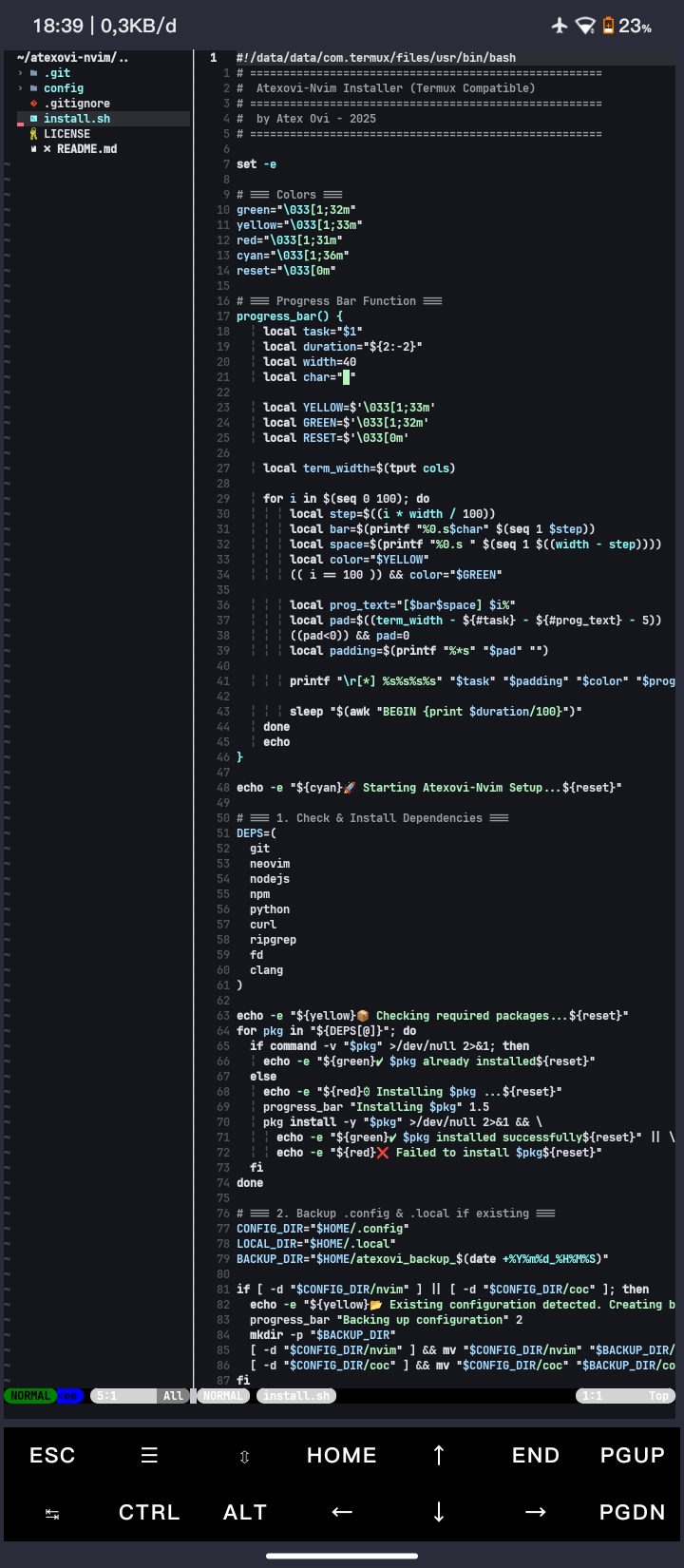
|
Aurora Dark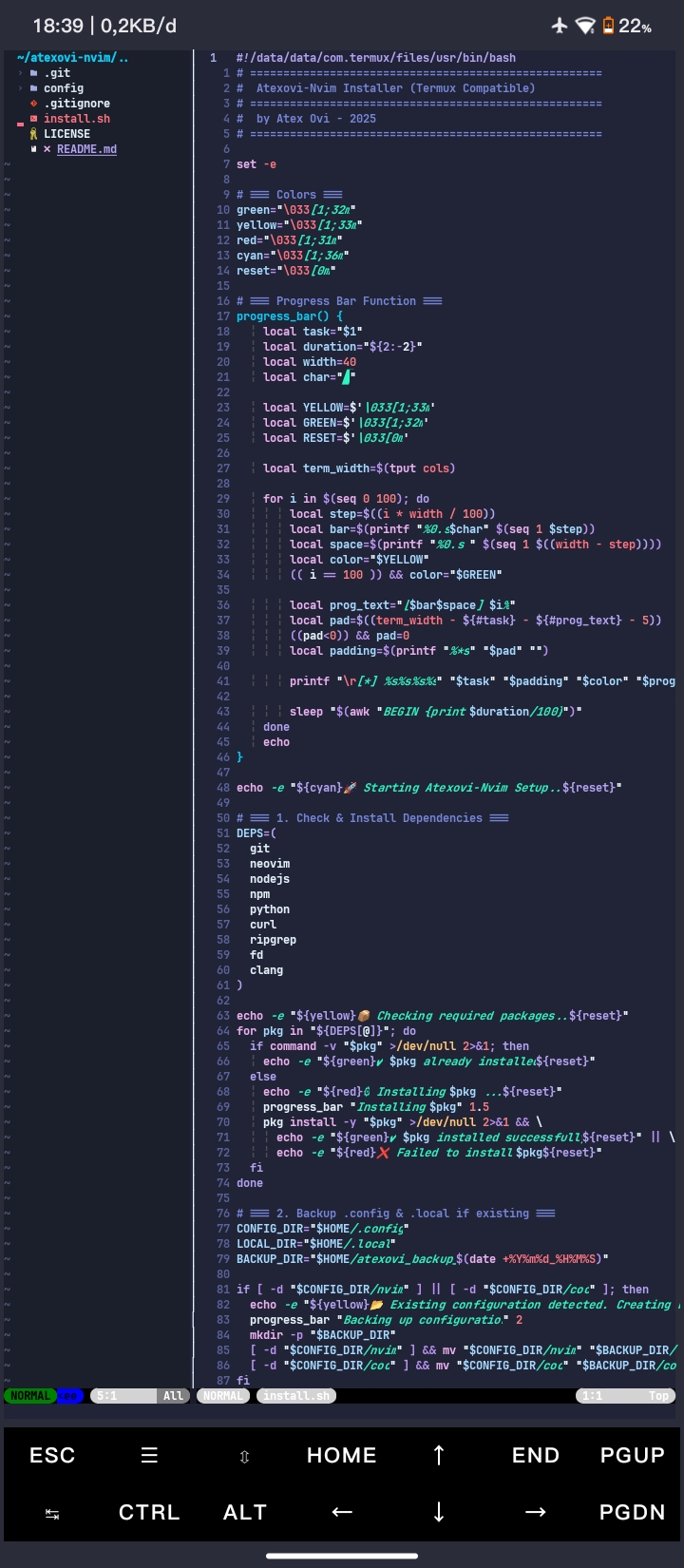
|
Dracula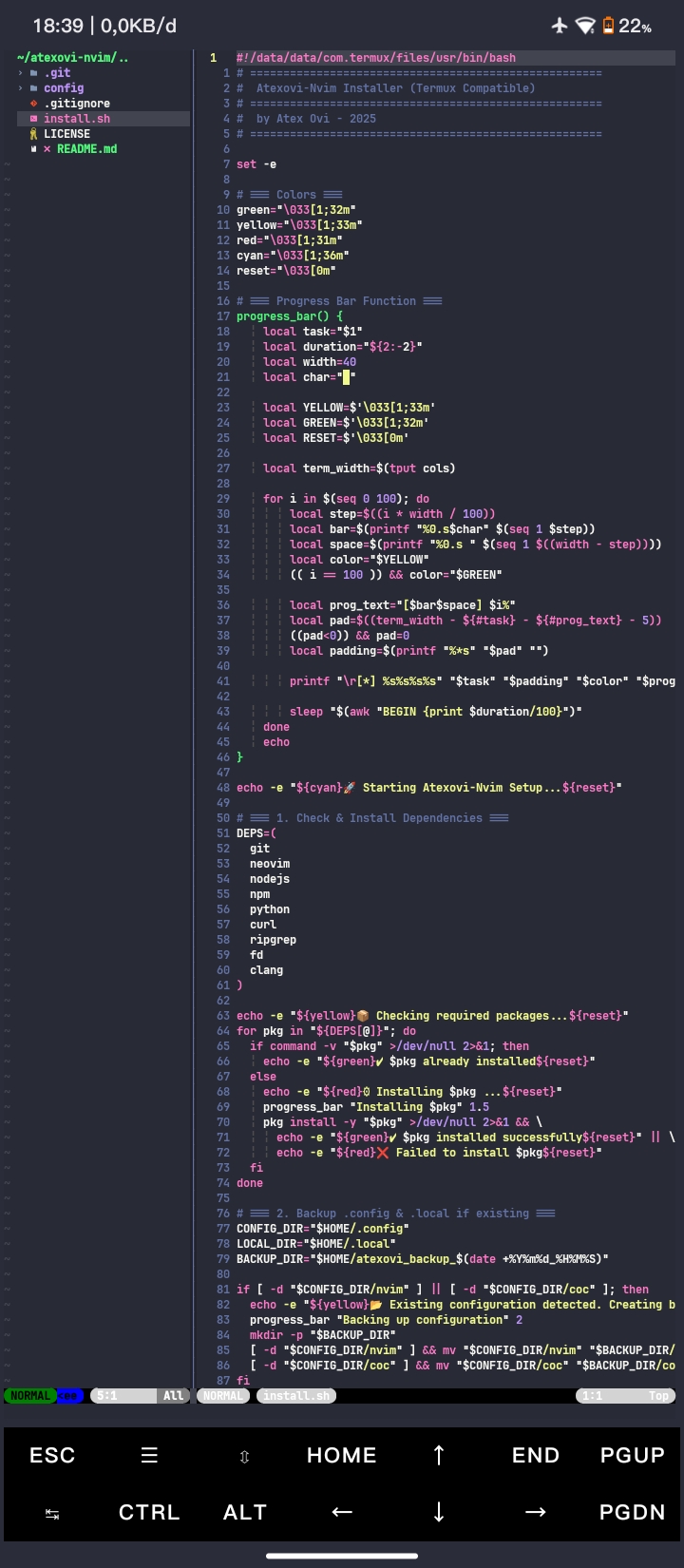
|
Polar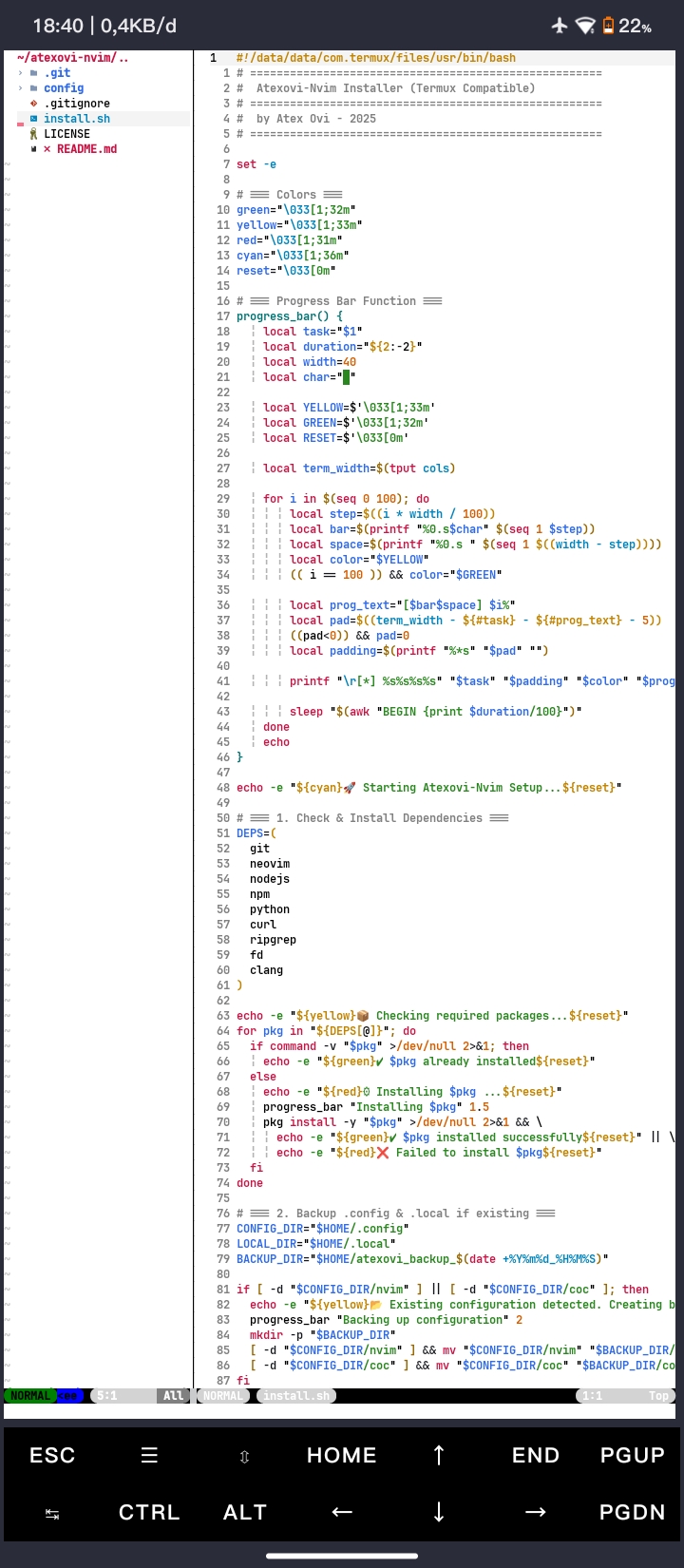
|
Deep Blue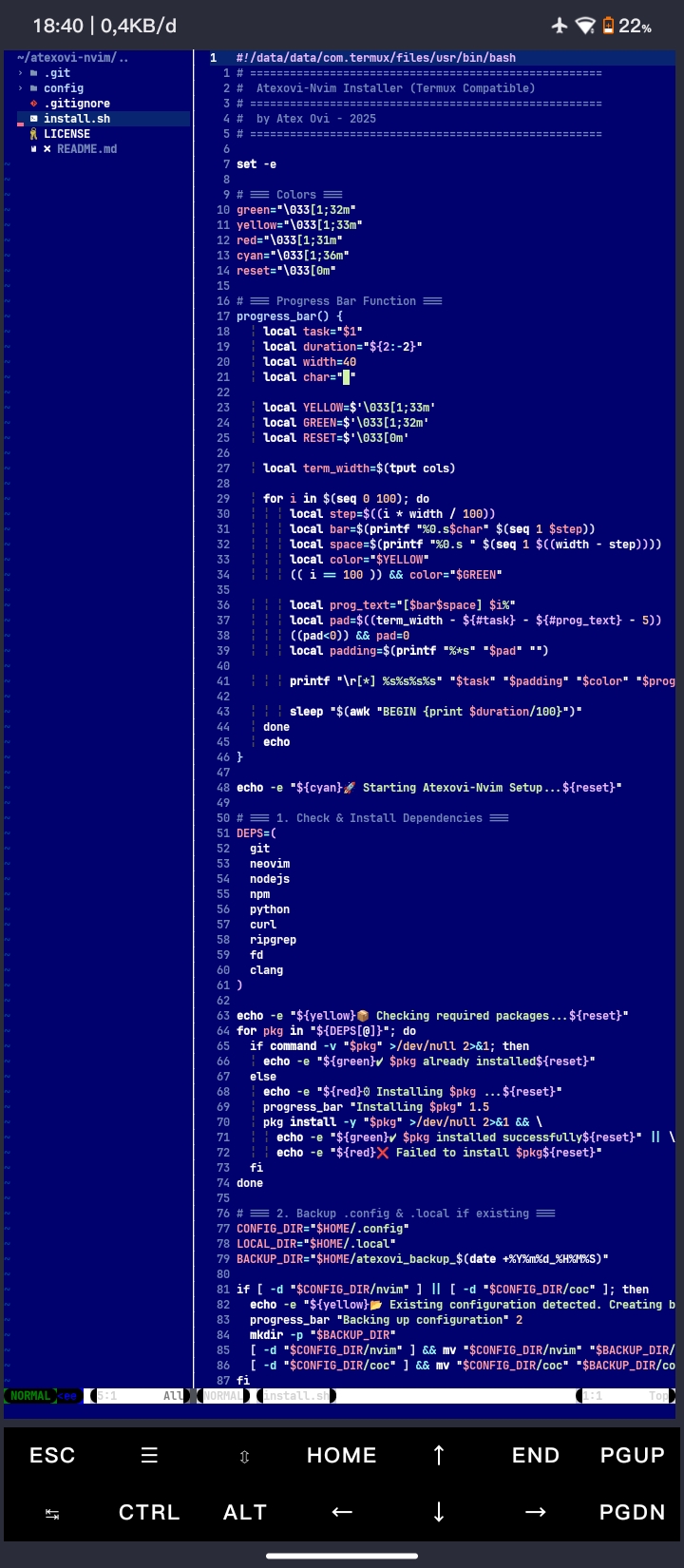
|
Ashen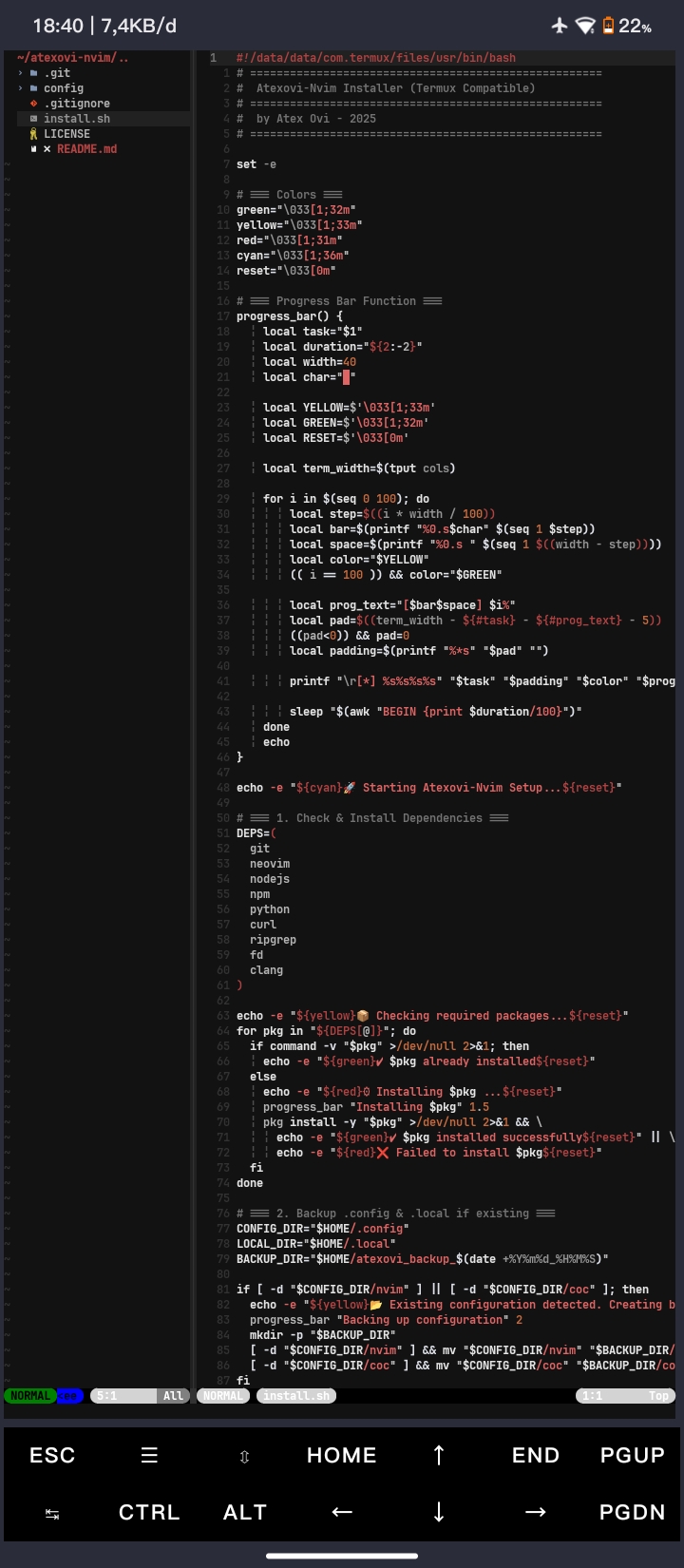
|
Tip
Open Neovim and run :ThemePicker to quickly switch between themes.
Atexovi-Nvim is fully tested on Termux (Android, arm64 / aarch64).
However, it also works seamlessly on:
| Platform | Architecture | Status |
|---|---|---|
| Android (Termux) | arm64 / aarch64 |
✅ Full support |
| Linux (Ubuntu, Arch, Fedora) | x86_64 |
✅ Full support |
| macOS | arm64 (M1/M2) |
⚙️ Partial (needs path adjustment) |
| Windows (WSL) | x86_64 |
⚙️ Supported with small tweaks |
Note
On Termux, install.sh automatically detects architecture (uname -m) and optimizes paths for lua-language-server and CoC.
git clone https://github.com/atex-ovi/atexovi-nvim.git
cd atexovi-nvim
bash install.sh
Tip
Make sure all required Termux packages are installed before running install.sh:
git, neovim, nodejs, npm, python, clang, ripgrep, fd
🪄 This script will:
- Auto-install missing Termux packages
- Backup existing
.config&.local - Deploy your Neovim + CoC configuration
- Auto-install all CoC extensions and LSP backends
The installer automatically ensures all essential Termux packages are installed.
Required (auto-checked & installed if missing):
git neovim nodejs npm python clang ripgrep fdatexovi-nvim/
├── LICENSE
├── README.md
├── config
│ ├── coc
│ │ ├── extensions
│ │ │ ├── coc-lua-data
│ │ │ │ ├── db.json
│ │ │ │ └── lua-language-server
│ │ │ └── package.json
│ │ └── memos.json
│ └── nvim
│ ├── init.vim
│ └── lua
│ └── atexovi
│ └── theme_picker.lua
└── install.sh
Before overwriting:
~/.config  → ~/.config.bak_<timestamp>
~/.local   → ~/.local.bak_<timestamp>
so your old Neovim config is never lost.
Important
Backups are created automatically before any overwrite.
This ensures your old Neovim setup stays safe and can be restored anytime.
Do not delete the .bak_ folders unless you’re certain you no longer need them.
Run Neovim:
nvimInside Neovim, CoC will initialize automatically and activate all language servers.
To verify:
:CocInfoIf you prefer to rebuild lua-language-server manually:
git clone https://github.com/sumneko/lua-language-server.git
cd lua-language-server
bash make.sh
cp ./bin/lua-language-server ~/.config/coc/extensions/coc-lua-data/
chmod +x ~/.config/coc/extensions/coc-lua-data/lua-language-server
Caution
This step is optional and meant for advanced users only.
Run it only if automatic installation fails.
Huge appreciation to the awesome developers and communities that made this setup possible:
- Neovim — next-generation Vim editor ❤️
- vim-plug — elegant and minimal plugin manager
- coc.nvim — complete LSP & IntelliSense engine for Neovim
- bubbly.nvim — fast, vibrant, and customizable statusline ✨
- nvim-treesitter — modern syntax highlighting and code parsing
- nvim-web-devicons — filetype icons for a better visual experience
- ripgrep & fd — ultra-fast searching tools
- lua-language-server — providing rich Lua support for CoC
- Termux Community — for bringing Linux development to Android 📱
- And every open-source contributor who inspires Atexovi-Nvim 💪
If you find this project useful, consider supporting the development:

