Real-time city dashboard, currently covering Berlin.
Inspired by World Monitor.
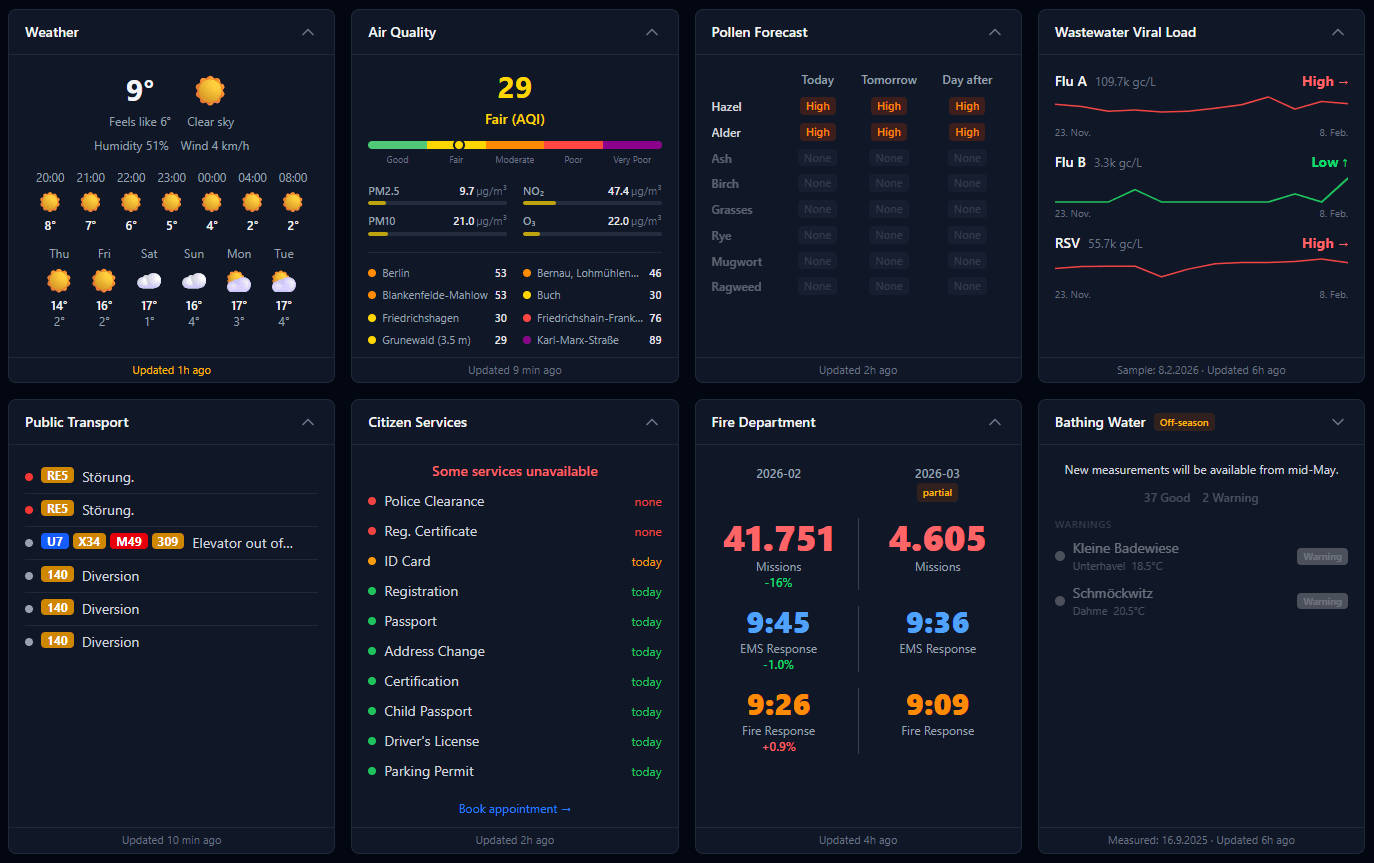
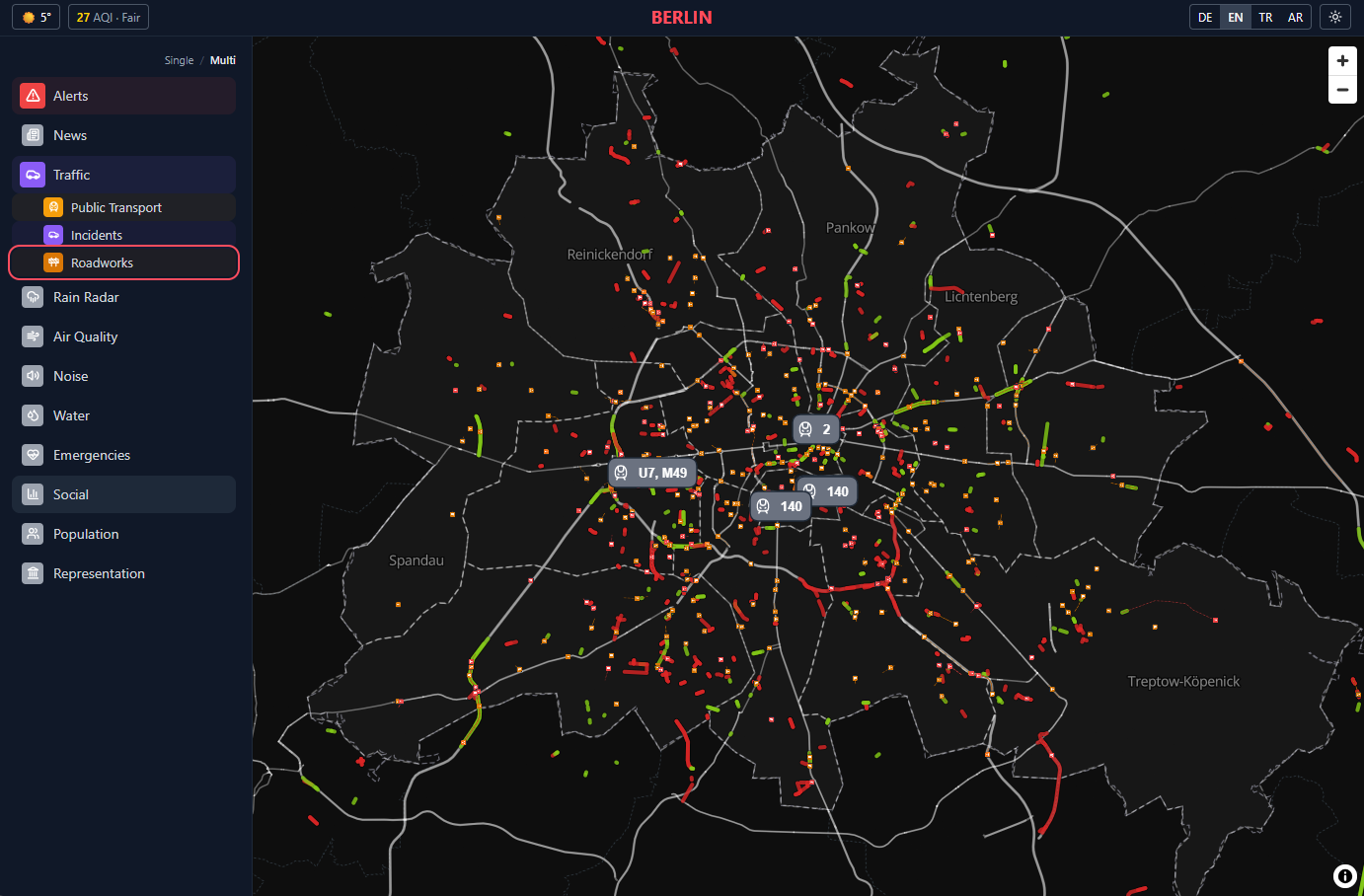
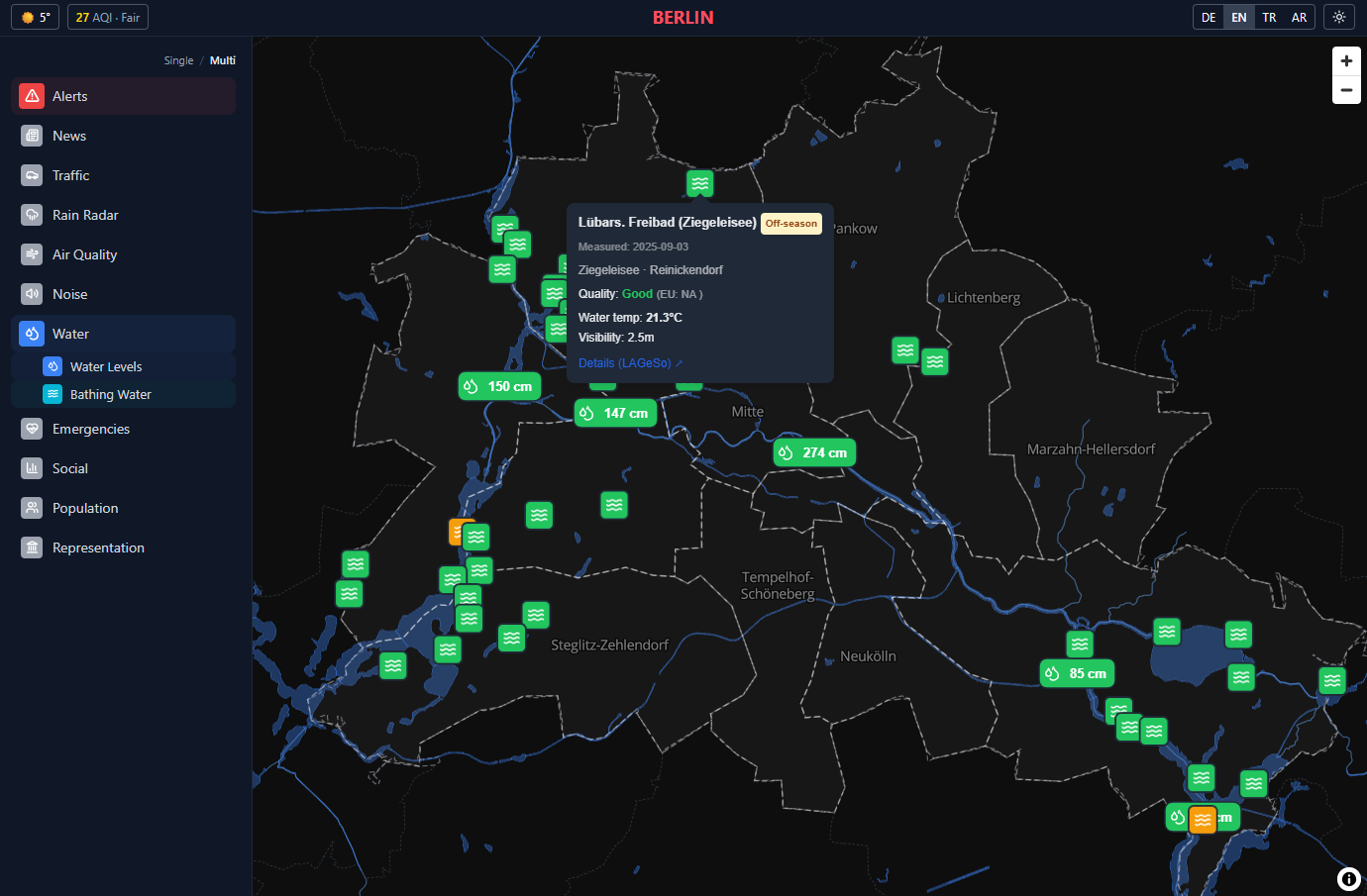



City Monitor aggregates public data feeds into a single dashboard per city: weather, transit disruptions, news, events, police reports, air quality, water levels, pharmacies, traffic, construction, and more. Data is ingested on a schedule via cron jobs, stored in PostgreSQL, and served as pre-built JSON to a React SPA.
| Layer | Tech |
|---|---|
| Frontend | React 19, TypeScript, Vite 6, Tailwind v4, Zustand, React Query, MapLibre GL |
| Backend | Node.js, Express, node-cron, Drizzle ORM |
| Database | PostgreSQL with in-memory cache |
| AI | OpenAI GPT-5 for news summarization |
| Deployment | Render.com |
npm install
npm run dev          # Starts web (port 5173) + API (port 3001) via Turborepo
Requires a .env file in packages/server/ with at least DATABASE_URL pointing to a PostgreSQL instance. See .context/deployment.md for the full list of environment variables.
packages/
  web/          React SPA (Vite)
  server/       Express API + cron jobs
shared/         Shared TypeScript types
.context/       Architecture docs and guides
.plans/         Milestone plans
The goal is a pure data-config layer: drop in a config file, get a dashboard. In practice that's not fully realistic — some data sources have city-specific APIs, formats, or quirks that need custom processing logic. The approach is: use as much config as possible, and add your own ingestion/parsing logic where needed.
There are three ways to use this:
- Single-city fork — swap Berlin's config for your own city and run your own dashboard.
- Contribute a city — add your city's config to this repo so it appears on citymonitor.app.
- Run your own multi-city site — fork the repo, configure multiple cities, and deploy your own instance.
License note: City Monitor is AGPL-3.0. If you run a modified version as a network service, you must make your source code available to users under the same license. See Section 13 for details.
-
Define the shared type — the
CityConfiginterface lives inshared/types.ts. You shouldn't need to change it unless your city needs a new data source type. -
Create a server config — add
packages/server/src/config/cities/<city>.tsexporting aCityConfig. Useberlin.tsorhamburg.tsas a template. This is where you declare RSS feeds, transit stations, weather coordinates, police feeds, water level gauges, and every other data source the cron jobs will ingest. -
Register the server config — import your city in
packages/server/src/config/index.tsand add it to theALL_CITIESmap. -
Create a web config — add
packages/web/src/config/cities/<city>.ts. The frontend config is minimal (coordinates, map bounds, theme accent) since the SPA reads pre-built data from the API. -
Register the web config — import your city in
packages/web/src/config/index.ts, add it toALL_CITIES, and add the city ID to theACTIVE_CITY_IDSset. -
Activate on the server — set the
ACTIVE_CITIESenvironment variable to include your city (comma-separated, e.g.berlin,hamburg,munich). This controls which cities the cron jobs ingest data for and which city IDs the API accepts. -
Add translations — add the city name and any city-specific UI strings to all four locale files in
packages/web/src/i18n/(en.json,de.json,tr.json,ar.json). -
Add to Sources page — create a sources array for your city in
packages/web/src/pages/SourcesPage.tsxlisting all data sources with attribution links. -
(Optional) Add a city skyline — add an SVG skyline function in
packages/web/src/components/layout/SkylineSeparator.tsxand wire it to your city ID. This renders a silhouette separator between the hero map and the dashboard tiles. If omitted, a generic skyline is used. You can also delete the skyline entirely if you prefer a clean edge.
- Server:
getActiveCities()readsACTIVE_CITIESand returns configs fromALL_CITIES. Every cron job iterates over active cities. ThevalidateCitymiddleware rejects requests for unknown or inactive city IDs. - Frontend: The router matches
/:cityIdand looks it up viagetCityConfig(). If the city isn't inACTIVE_CITY_IDS, the user is redirected to the home page. - Database: All cities share the same
snapshotstable — rows are keyed by(city_id, type). No schema changes needed. - Cache: Each city gets its own namespaced cache keys (e.g.
berlin:weather,munich:weather). Cache warming runs for all active cities on startup.
See Deploy on Render.com for a step-by-step guide covering automated blueprint setup, manual service creation, environment variables, custom domains, and troubleshooting.
Contributions are welcome! Please read CONTRIBUTING.md before submitting a pull request.
If you find this project useful, consider supporting it on Ko-fi.
AGPL-3.0-or-later — Copyright (C) 2026 Odin Muhlenbein
