 ____  ____  ____  __  __  ____  ____  _  _  ____  ____          made by sawsent
(_  _)( ___)(  _ \(  \/  )(_  _)(_  _)( \/ )(  _ \( ___)
  )(   )__)  )   / )    (  _)(_   )(   \  /  )___/ )__)
 (__) (____)(_)\_)(_/\/\_)(____) (__)  (__) (__)  (____)
A clean, minimal, fully-terminal typing test — inspired by Monkeytype, built for people who love the terminal.
Termitype focuses on:
- a refined terminal UI
- extensibility through adapters (macOS, Linux, Windows/PowerShell)
- portability with zero external frameworks
- a simple, fast typing experience
A clean interface built specifically for terminal environments.
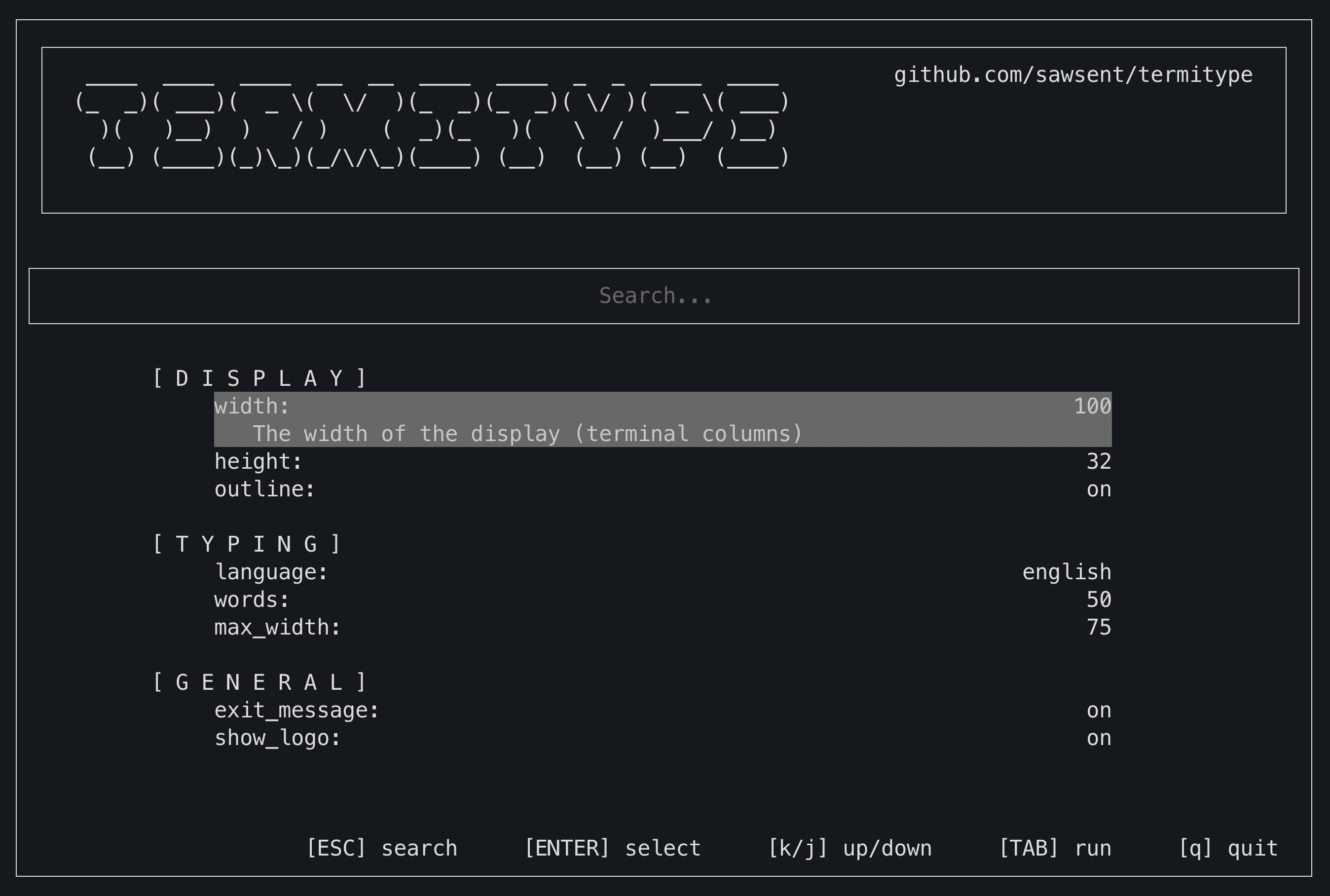
Fully adjustable width and height via settings.
- Randomized words
- Accurate cursor simulation
- Inline mistake highlighting
- Previous, current, and next words clearly spaced
Settings are now searchable: type to filter options instantly.
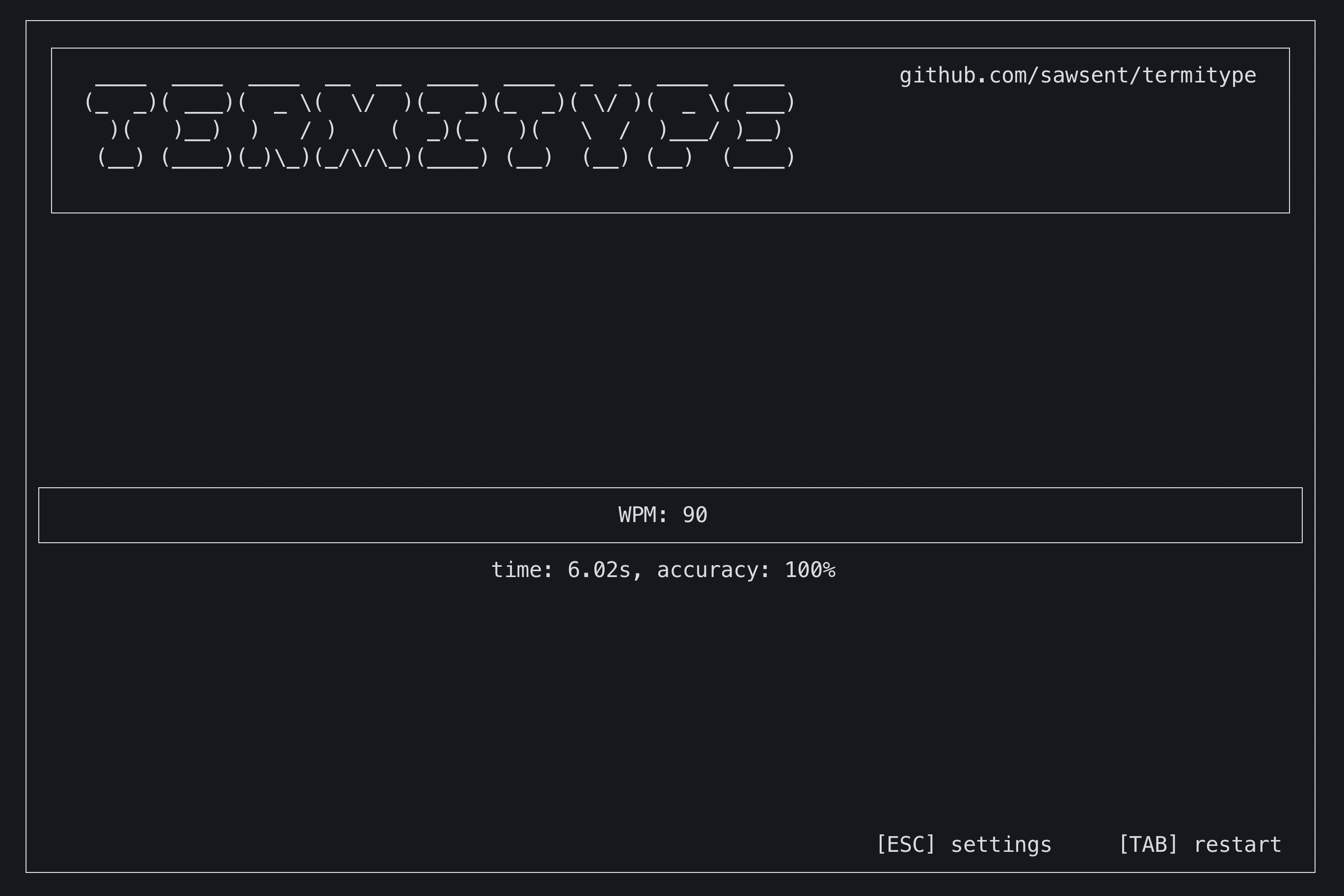
Shows:
- WPM
- Accuracy
- Duration
- A diff-style view comparing typed vs expected text
All OS-specific terminal behavior (cursor movement, color support, input handling) is abstracted.
Termitype works equally well on:
- macOS (Terminal, iTerm2) (implemented)
- Linux (not implemented)
- Windows Terminal / PowerShell (not implemented)
Store:
- WPM
- accuracy
- date/time
- detailed statistics
- settings used for the run
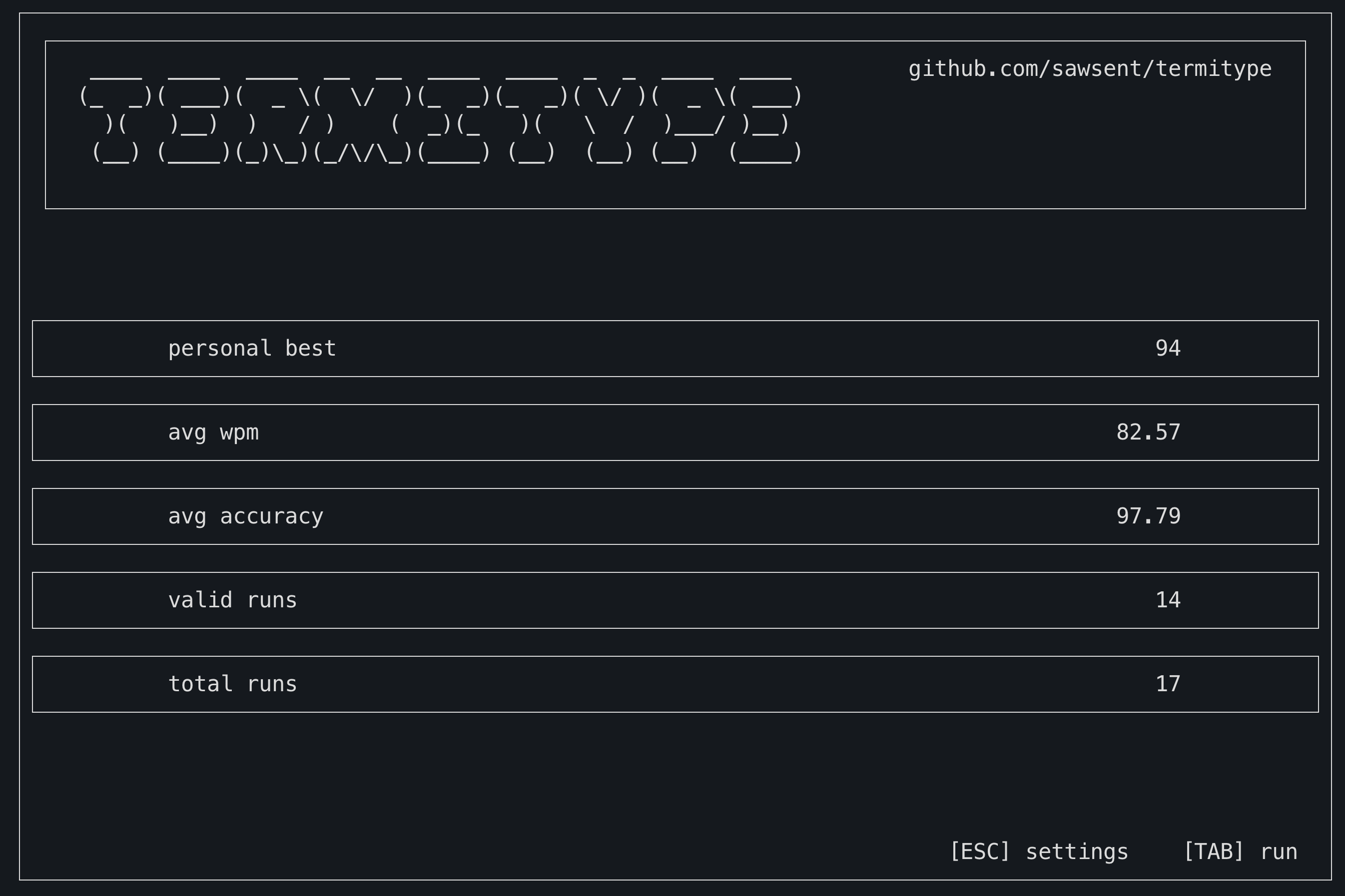
A new analytics-driven screen:
- WPM personal best
- rolling averages
- lifetime totals
Easy to change themes to customize the look.
Termitype is designed to be:
- fast — instant, frictionless startup
- portable — independent of terminal quirks, without frameworks
- extensible — clean architecture, easy to add new screens
- pleasant — polished UI details without complexity
pip install termitypeJust run the termitype command to open the app!
termitype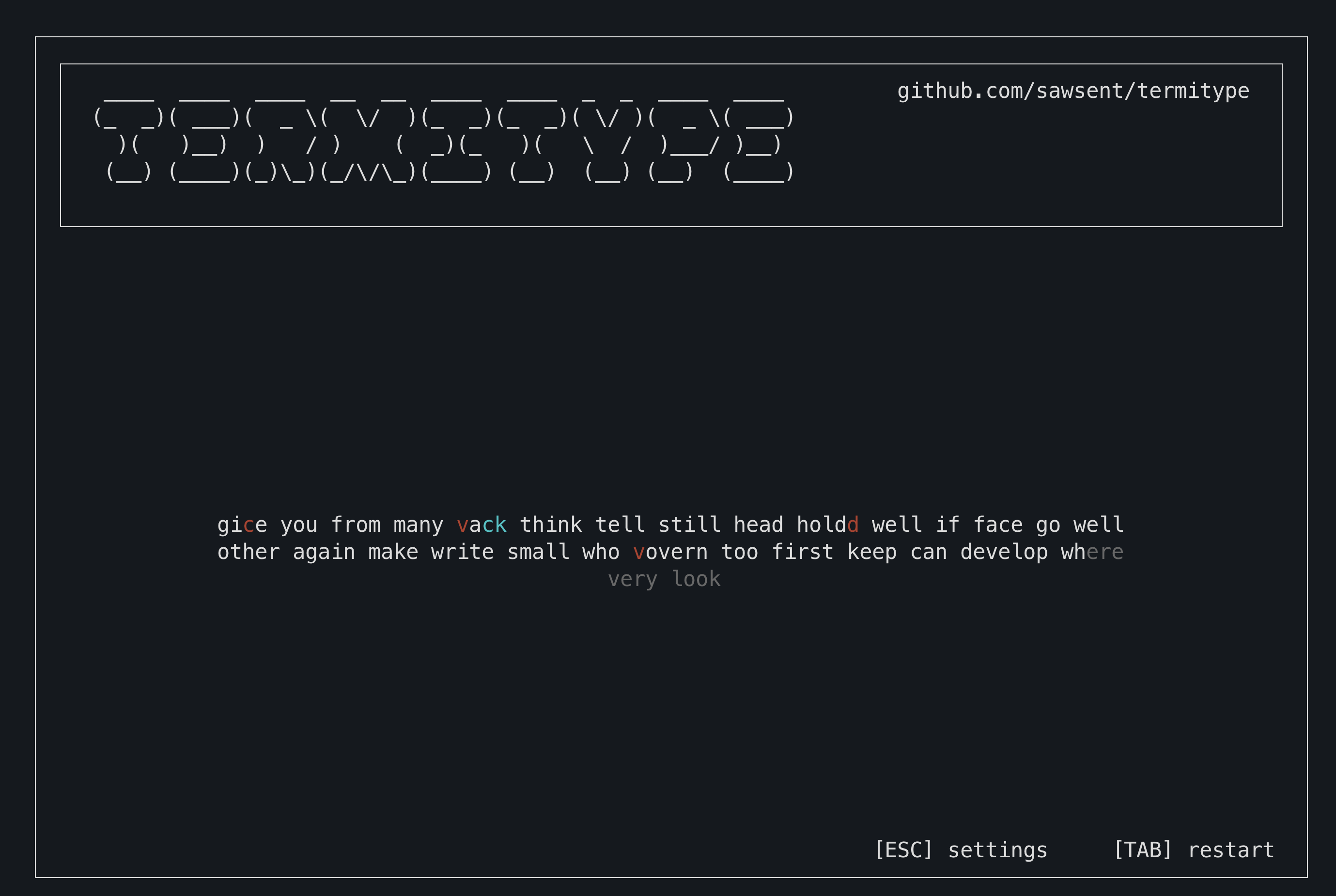
Licensed under the Apache License 2.0.
See the LICENSE file for details.
- Monkeytype — for setting the bar high.
- The simplicity of terminal tools that “just work.”