Problem description:
Copied from tweet thread: https://twitter.com/awakecoding/status/1389943462871633922?s=20
A 1920x1080 is reported as 4800x2700 with 250% DPI scaling, yet the true size of the control is still 1920x1080 (if I draw using the reported size, it is 250% larger than the real size). This means that when trying to automatically size the contents to the control size, it is always 250% too big when the system DPI scaling is set to 250%. I wouldn't mind if drawing at 250% gave the correct result, but it doesn't. I have to downscale the reported control size:

The odd thing is that by applying this workaround, I get a correct result even on a mixed DPI system. I can move the control between screens and it still gets the correct size by doing the inverse operation. I would have expected maybe an incorrect result on the high dpi screen?
Minimal repro:
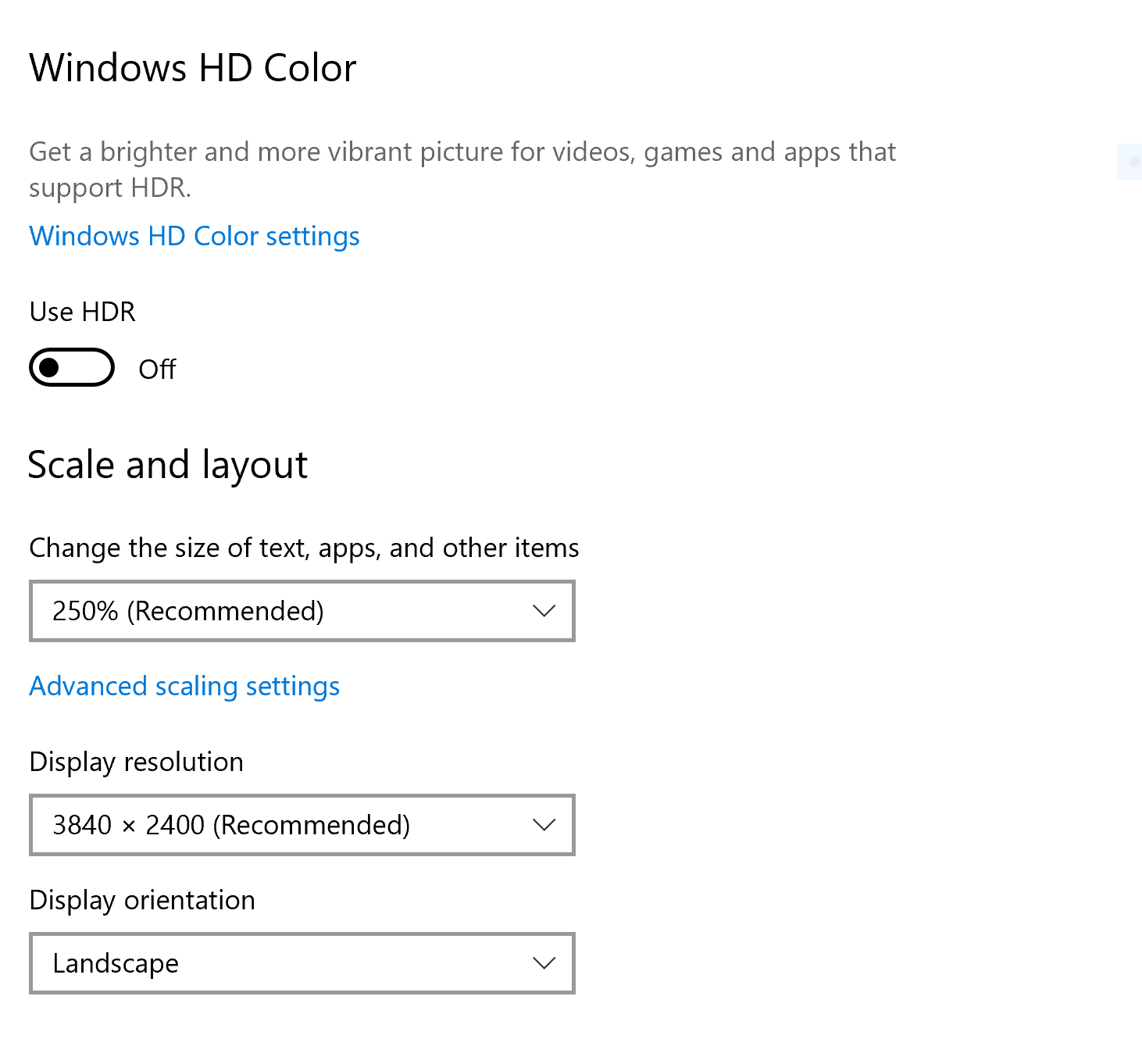
a primary display in the middle with a gigantic resolution (and huge scaling factor - 250%). Add a full HD display on the left (it'll have negative coordinates) and another one to the right to get mixed DPI Smiling face with open mouth and cold sweat

.NET Core Version:
Have you experienced this same bug with .NET Framework?:
Problem description:
Copied from tweet thread: https://twitter.com/awakecoding/status/1389943462871633922?s=20
A 1920x1080 is reported as 4800x2700 with 250% DPI scaling, yet the true size of the control is still 1920x1080 (if I draw using the reported size, it is 250% larger than the real size). This means that when trying to automatically size the contents to the control size, it is always 250% too big when the system DPI scaling is set to 250%. I wouldn't mind if drawing at 250% gave the correct result, but it doesn't. I have to downscale the reported control size:

The odd thing is that by applying this workaround, I get a correct result even on a mixed DPI system. I can move the control between screens and it still gets the correct size by doing the inverse operation. I would have expected maybe an incorrect result on the high dpi screen?
Minimal repro:

a primary display in the middle with a gigantic resolution (and huge scaling factor - 250%). Add a full HD display on the left (it'll have negative coordinates) and another one to the right to get mixed DPI Smiling face with open mouth and cold sweat